
 ,
,


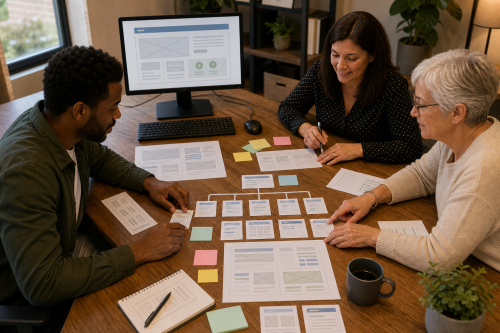
A website does not start with a template but with the question of what someone wants to publish, who the information is for and who must later be able to understand and maintain the site. Only then do technology, design and software choices become interesting.
Sometimes a small HTML/PHP site is enough, sometimes a CMS such as Nocterra or WordPress fits better, and sometimes an e-commerce platform is needed. A choice is only sound when the dependencies, updates, accounts and maintenance tasks that come with it are clear.
This page brings together the questions we usually separate first before anything is actually built.
Start with purpose, audience and content. Write down what information someone should be able to find, which actions should be possible and who will update the content later. From that it usually becomes clear whether a simple site, CMS, form, calendar or webshop is actually needed.
If you want to work this out practically with someone, Digital within The Owl’s Nest may also be relevant. Structure, HTML, stylesheets, images and a working prototype can be investigated there.
No. WordPress can be a good choice when the required functionality and the people managing the site fit it, but it is not a neutral default solution. Themes, plugins, updates, the database, security and administration all add complexity.
For a small publishing site, a simpler setup may be easier to maintain. Conversely, a lightweight system should not be chosen if the required functions then have to be rebuilt repeatedly as custom work.
Because browsers, search engines, screen readers and other systems ultimately read the structure of the page. Headings, paragraphs, lists, links, alternative text and metadata carry meaning. A visually attractive page with arbitrary markup can be far less clear to people using assistive technology and to machines than it looks.
Semantics are therefore not an SEO trick. They are a way of publishing information so that its structure remains understandable outside the visual design as well.
Make sure the domain, accounts, source files, content and documentation do not exist only with one third party. Agree beforehand who is the registrant or account owner, where backups are kept and which software or licences are required.
If someone deliberately wants a limited technical part to remain managed after such a process, ASK-Solutions explains how this is handled under Independence and technical continuity. That is a possible outcome, not the starting point.
Copyright © 2026, ASK-Solutions


