
 ,
,


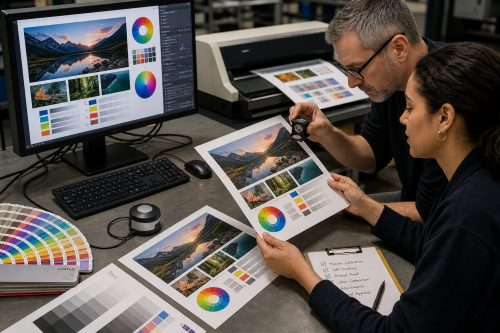
A colour on a display is not a physical material. Screens mix light; printers and paint work differently. An exact visual match between devices is therefore not automatic without colour management and proofing.
File formats also serve different purposes. A vector logo suits scalable line work, while a photograph consists of pixels. Keeping the source file separate from the final output file helps a design remain usable.
For logos, icons, line drawings, cutting paths and many technical shapes, vector is often ideal because the geometry remains scalable. SVG and PDF can contain vector information; for editing it is important to keep the working file as well.
Your monitor still displays RGB light and can only simulate how a print process may look. The final paper, ink, profile and printing process affect the result. Use proofs or physical samples when colour is critical.
Follow the specifications of the chosen production process: size, bleed, colour mode, fonts, cutting lines and resolution may all differ. Ask for those requirements before the final export rather than repairing the file afterwards.
This connects to Digital and Visual arts. For physical parts or moulds, 3D printing may also be useful.
Copyright © 2026, ASK-Solutions


