
 ,
,


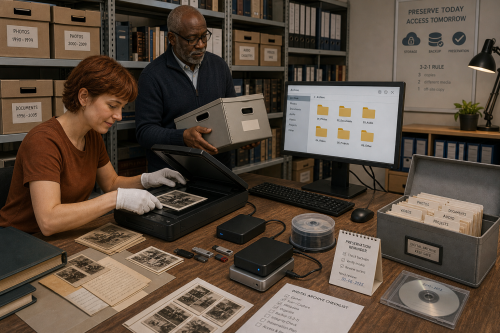
Digital files do not wear like paper, but the environment around them changes constantly. Drives fail, accounts disappear, formats become less common and synchronisation can spread an error to every device very quickly.
Long-term preservation therefore requires more than one large disk. You need to know what you have, which version matters, what format it uses and how to verify that a recovery copy can actually be read.
For unusual software or old systems, the context also belongs to the collection: documentation, installation files, licence information and sometimes the hardware on which something runs.
There is no universal number, but several independent layers are sensible. Think of a working copy, a local backup and a copy at another location or on another medium. More important than counting is that one fault cannot modify or erase every copy at the same time.
Not automatically. Synchronisation is convenient for keeping the same files on several devices, but deletion, ransomware encryption or corruption can also be synchronised. Check whether the service provides version history or recovery and keep an independent backup where appropriate.
Use open or well-documented formats where possible, but do not blindly delete original files after conversion. Document which software is required and periodically test whether important files can still be opened on a current system.
For storage, files and backups, Digital is relevant. Anyone mainly wanting to strengthen everyday digital skills can also look at digital self-reliance.
Copyright © 2026, ASK-Solutions


